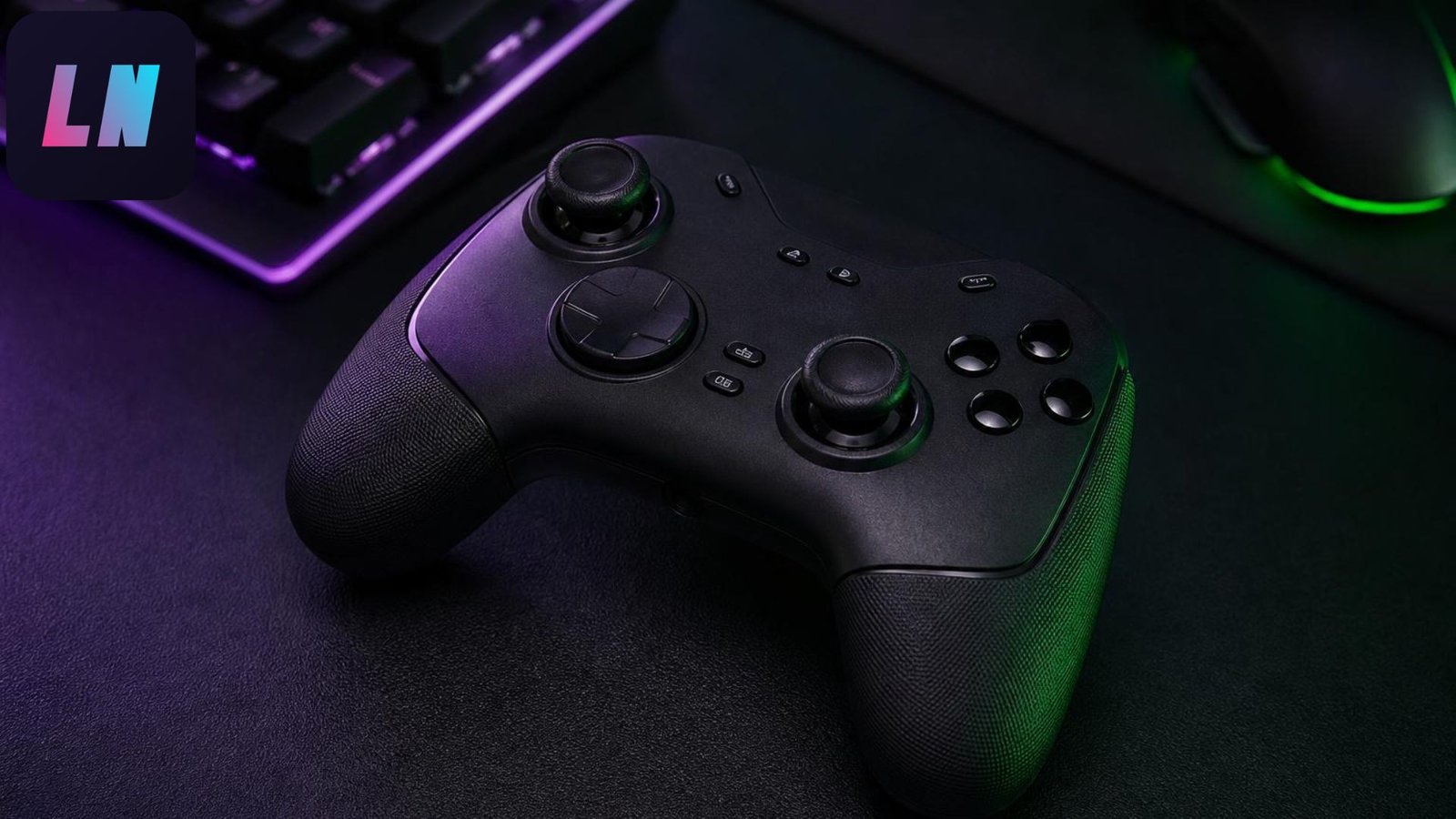
The Undergrowthgames custom controller Uggcontroman is described in articles on UndergrowthGames.com as a customizable gaming controller. However, the sources reviewed did not establish a verified retail listing, a complete manufacturer manual, or independent hardware testing. Its published descriptions should therefore be treated as product claims, not confirmed specifications.
If you are searching for a price, setup instructions, or proof that it works with your console, that distinction matters. Before spending money or downloading software, you need to identify the exact device and check what documentation supports it.
This guide explains what the published material establishes, which details remain uncertain, and how to evaluate the controller without relying on promotional promises.
What Is the Undergrowthgames Custom Controller Uggcontroman?
An article published on UndergrowthGames.com presents UGGControMan as a gaming controller focused on customization, responsiveness, and comfort.
The page discusses adjustable settings and use across gaming platforms. However, those descriptions do not provide enough independently verifiable evidence to confirm how a retail device performs.
There are two separate questions here:
- Does the name appear in published controller articles? Yes.
- Do those articles establish a clearly identifiable, purchasable product with verified specifications? That was not established in the material reviewed.
A website publishing an article about a controller is evidence that the controller is being described. It does not, by itself, verify manufacturing, stock availability, customer support, or performance.
For someone considering a purchase, the missing connection is between the name in the article and a specific physical model that a seller can supply and support.
What Is Confirmed, and What Still Needs Verification?
The most useful way to assess UGGControMan is to separate the available descriptions from the evidence needed for a buying decision.
| Question | What the reviewed evidence establishes |
|---|---|
| Is UGGControMan discussed on UndergrowthGames.com? | Yes, articles describe a customizable gaming controller. |
| Are customization and comfort mentioned? | Yes, but their implementation and effectiveness were not independently verified. |
| Is there a verified current retail price? | No current price was established from a verified retail offer. |
| Is console compatibility confirmed? | A reliable model-specific compatibility document was not established. |
| Is there a verified setup manual? | A complete manufacturer manual was not established. |
| Has performance been independently tested? | No credible independent hardware test was established in this research. |
| Are warranty and repair arrangements confirmed? | Published claims do not establish the terms a buyer would actually receive. |
These gaps do not prove that no physical unit exists. They mean there is not enough verified information here to recommend buying it or to publish a conventional product review.
A responsible review would need an identifiable review sample, documented testing conditions, and evidence supporting its conclusions.
Why the Published Descriptions Need Careful Reading
One issue is the product timeline.
The earlier UndergrowthGames article displays a March 14, 2024 publication date and describes UGGControMan as an existing controller. A later article dated June 23, 2026 says the controller arrived in 2026.
Those statements do not establish a consistent release history. A revised product, an updated article, or another explanation might account for the difference, but the reviewed material does not resolve it.
The later page also makes more detailed claims about connectivity, components, accessories, and software. Greater detail can make a description sound convincing, but a detailed paragraph still needs supporting documentation.
For example, a claim about an included wireless receiver should be supported by a package contents list. A claim about onboard profiles should be explained in a manual showing how those profiles are saved and selected.
The practical lesson is to look for documentation that can be checked against the actual item being sold.
What “Custom Controller” Should Mean for a Buyer
The word “custom” can describe several different changes. Understanding the difference helps you decide whether a controller offers something useful.
Appearance customization
This includes shell colors, printed designs, decorative lighting, or different finishes.
These changes may improve how a controller looks, but they do not establish better aiming, faster inputs, or broader compatibility.
If appearance is your main goal, ask for photographs of the actual finished unit and details about the materials or finish.
Physical customization
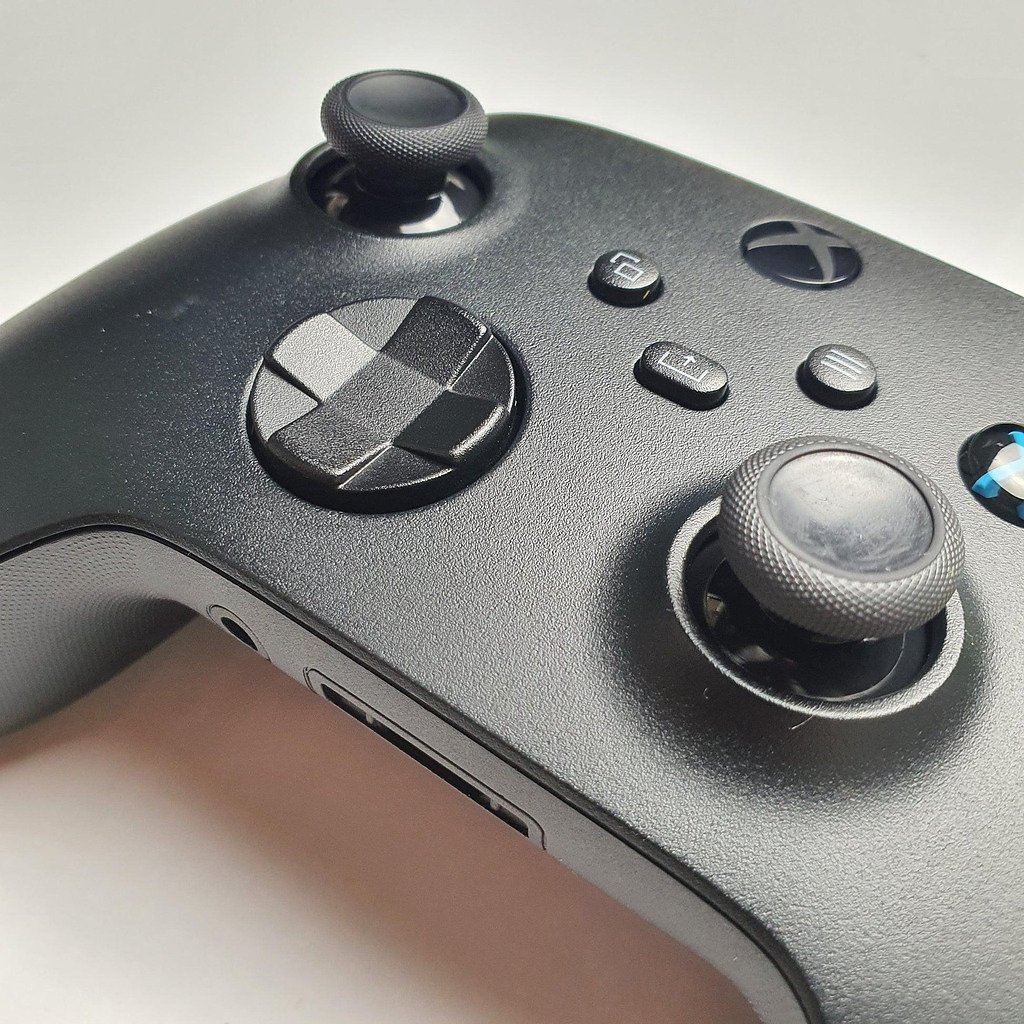
Physical changes can include different stick caps, rear controls, trigger stops, or interchangeable directional pads.
Their value depends on your hands and the games you play. A control that is comfortable for one player may be awkward for another.
Check which parts are included, which require an additional purchase, and whether replacements are available.
Control customization
Software customization changes what inputs do. Examples include assigning an action to a different button or adjusting how stick movement translates into an in-game response.
These are established features on some documented controllers. For example, PlayStation’s DualSense Edge profile guide explains button assignments, stick sensitivity, deadzones, and saved profiles.
That documentation shows what a useful customization guide looks like. It does not establish that UGGControMan offers the same functions.
How to Check Compatibility Before Buying
“Works with multiple platforms” is too broad to answer most buyers’ questions.
You need confirmation for your exact platform, connection method, and intended game. A seller should be able to explain those details in writing.
Identify the platform precisely
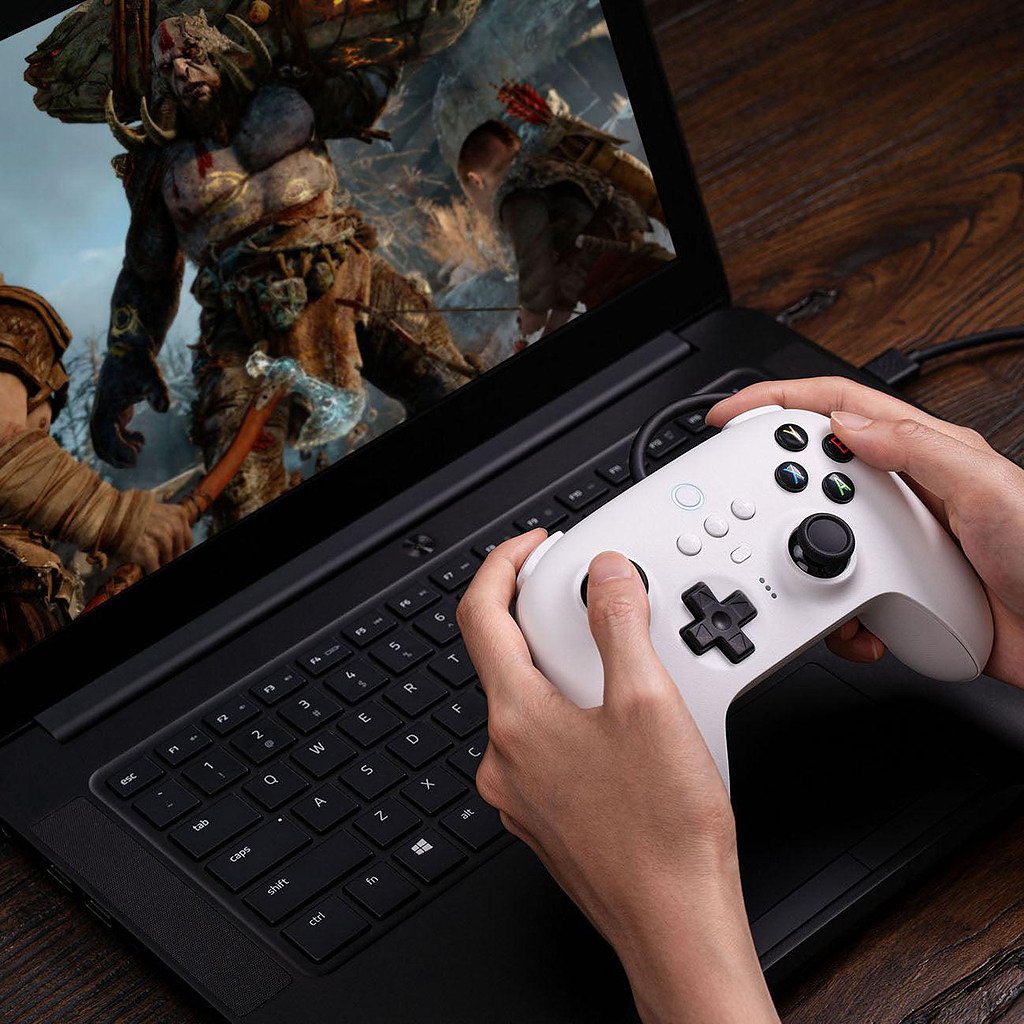
Ask about the specific system you use, such as a PS5, Xbox Series console, or Windows PC. Avoid accepting “console compatible” as a complete answer.
For a computer, ask whether normal gameplay and advanced configuration both work on your operating system. Those are separate capabilities.
Check how the connection works
Request confirmation of the supported connection methods and any accessories required.
A connection claim should explain whether the controller uses a cable, Bluetooth, or a dedicated receiver. It should also specify whether a receiver is included.
Do not assume that the presence of a charging port establishes support for wired gameplay.
Confirm the features you actually need
A useful question is specific:
“Can I use this controller with my exact console and save button assignments without connecting it to another device?”
Other questions might concern vibration, headset audio, rear buttons, or profile switching. Ask about the features you plan to use instead of relying on a general compatibility badge.
Treat Steam support as a separate question
Valve’s Steam Input documentation explains its controller input and configuration system.
However, Steam Input is not product certification for every controller mentioned online. Compatibility still depends on the device being recognized and the relevant input support.
No verified UGGControMan-specific Steam setup procedure was established in this research.
Understanding the “Special Settings” Claims
Searches for UGGControMan often involve “special settings.” The phrase sounds useful, but it does not identify a particular feature or explain where to configure it.
The following are general controller concepts, not verified UGGControMan functions.
Button assignments
Button assignment changes let you move an action to a different control. This can help when the default layout is uncomfortable or inconvenient.
Before changing a layout, identify the action causing difficulty. Changing several controls at once makes it harder to judge whether the new arrangement helps.
For fighting games, character knowledge and practice also matter. LootNexis’s Killer Instinct character guide provides related reading for players choosing a fighter and learning their options.
Stick sensitivity and response curves
Sensitivity settings affect how stick movement translates into input. A response curve changes that relationship across the stick’s range.
There is no single setting that suits every player. Start with the default, test a repeatable movement, and change one setting at a time.
Avoid copying a configuration simply because someone describes it as professional or competitive.
Deadzones
A stick deadzone is the movement range around the center that does not register as an input.
An appropriate setting can help prevent small unintended movements from affecting gameplay. An unnecessarily large setting can make small deliberate movements harder to register.
Sony’s documentation provides an example of how deadzones are adjusted on a supported controller. It should not be used as an instruction manual for an unidentified device.
Saved profiles
Profiles let a supported controller retain different configurations.
Before relying on them, check where they are stored and how they are selected. A setup that depends on software running on one computer may not behave the same way when moved elsewhere.
For UGGControMan, the available material did not establish a verified procedure for creating, saving, or transferring profiles.
What to Request From a Seller
If you encounter a UGGControMan offer, ask for evidence tied to the exact unit before comparing its price.
A useful response should include:
- The exact model identifier: Ideally shown on both the device and its packaging.
- Original product photographs: Including the controls, connectors, rear label, and supplied accessories.
- A complete manual: With setup instructions and a clear compatibility list.
- Software details: The application name, publisher, supported operating systems, and official download location.
- An itemized price: Including shipping and any required accessories.
- Written return terms: Including the return period, address, and responsibility for shipping costs.
- Warranty information: Naming the business responsible for handling a fault.
A demonstration can add useful evidence. Ask to see the actual controller connected to the platform you intend to use, with inputs visibly responding.
A video alone does not answer every question, but it is more relevant than a promotional image that cannot be connected to the offered device.
If the seller cannot identify the model or provide basic documentation, you do not have a dependable basis for assessing the purchase.
Already Have a Device Labeled UGGControMan?
Start with the physical device rather than a search phrase.
Check the rear label, packaging, receipt, and any included booklet. Record the model number and the seller’s details. Those identifiers may help you locate the correct support information even when the advertised name is unclear.
Avoid using guessed button combinations or installing firmware intended for a different controller. A generic online article is not a substitute for model-specific instructions.
If the controller is not recognized
First establish whether the seller documented support for your platform and connection method.
Use the supplied instructions, check the required accessories, and ask support to identify the correct operating mode. If a data cable is required, make sure the cable supports data transfer.
The next step should follow the identified model’s documentation. There is no verified universal UGGControMan pairing sequence to provide.
If the buttons perform unexpected actions
Check whether a custom layout is active in the game or controller software.
Return to a documented default configuration where possible, then test again. Keep a note of each change so you can undo it.
If gameplay feels delayed
Do not assume that a new controller is the only solution.
Compare the behavior across games and note whether the issue occurs alongside visible stuttering or frame drops. That information helps distinguish a controller problem from a wider performance issue.
For related PC troubleshooting, see LootNexis’s Tech Hacks PBLinuxGaming guide.
If a download is presented as mandatory
Ask the seller for the official software source and confirm that it supports the exact model.
This research did not establish an authenticated UGGControMan driver or firmware package to recommend.
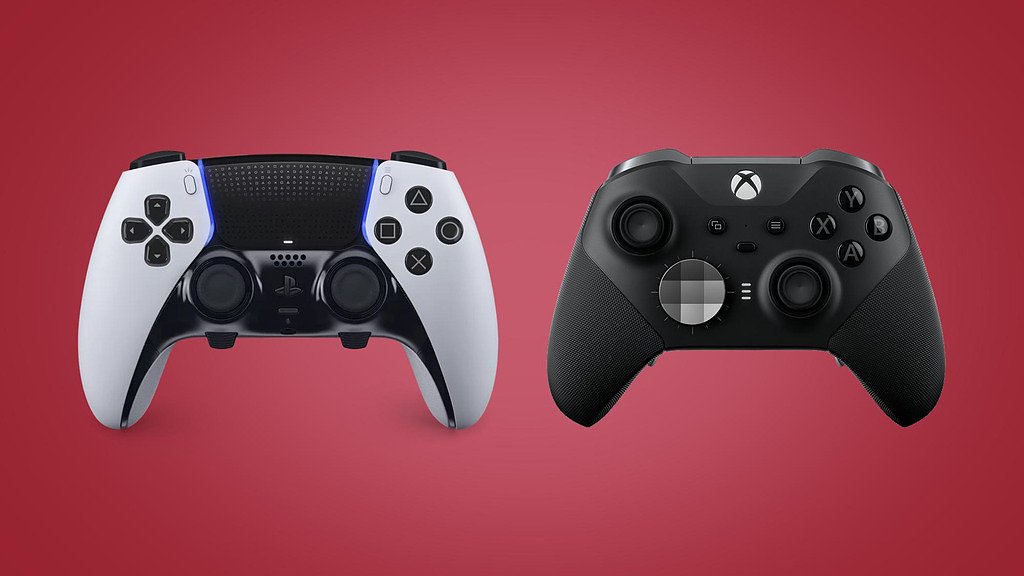
Documented Options for Comparing Customization
If your main goal is adjustable controls, you can compare the available claims with products that have accessible manufacturer documentation.
| Option | Documented customization | What to check before choosing |
|---|---|---|
| DualSense Edge | Button assignments, stick settings, trigger deadzones, and profiles | Your platform and the features available on it |
| Xbox Elite Wireless Controller Series 2 | Button mapping, adjustable stick tension, interchangeable components, and profiles | Package contents, software requirements, and platform support |
| A controller you already own | Depends on its model and supported game or platform settings | Whether existing settings solve your specific problem |
Microsoft’s Xbox Elite Wireless Controller Series 2 page provides product specifications, connection information, and customization details.
These are comparison references, not a claim that either controller is right for everyone. Your preferred layout, budget, games, and support needs should guide the decision.
Before buying anything, define the problem you want to solve. “I need a more reachable jump button” is a useful requirement. “I want a controller that makes me better” is too vague to evaluate.
Frequently Asked Questions
Does missing documentation prove UGGControMan is a scam?
No. Incomplete evidence does not establish fraud. It does mean that product claims, availability, and support should be verified before you rely on them.
Is a displayed publication date a confirmed release date?
No. An article’s publication date tells you when the page says it was published. A product launch requires separate evidence, such as a documented manufacturer announcement or dated retail release.
Can I use a guide for another controller to configure UGGControMan?
You can use another guide to understand general terminology, but not to assume identical menus, pairing commands, or firmware procedures. Follow documentation for the exact device.
Should I trust a review that does not show the controller being tested?
Treat its performance conclusions cautiously. Useful hardware testing should identify the model, explain the test setup, and show evidence supporting the results.
What if the seller provides documentation after I ask?
Check that the model, photographs, supported platforms, and seller details agree across the documents. Then reassess the offer using that evidence rather than the original promotional wording.
Conclusion
The next useful step for anyone interested in UGGControMan is to identify a documented model and seller. Without that information, price comparisons and setup advice remain unreliable.
If your goal is more comfortable controls, begin with the settings available on your current device. If you still need new hardware, choose an option whose compatibility, customization, and support you can verify before paying.